ClubMStar Features
■ Account Creation
To play ClubMStar, you must first create an account on the official portal site "Pmang".
If you do not have a Pmang ID yet, please click the button below to register.
※Membership registration is completely free.
Click here to register for a Pmang account
■ Launching the Game
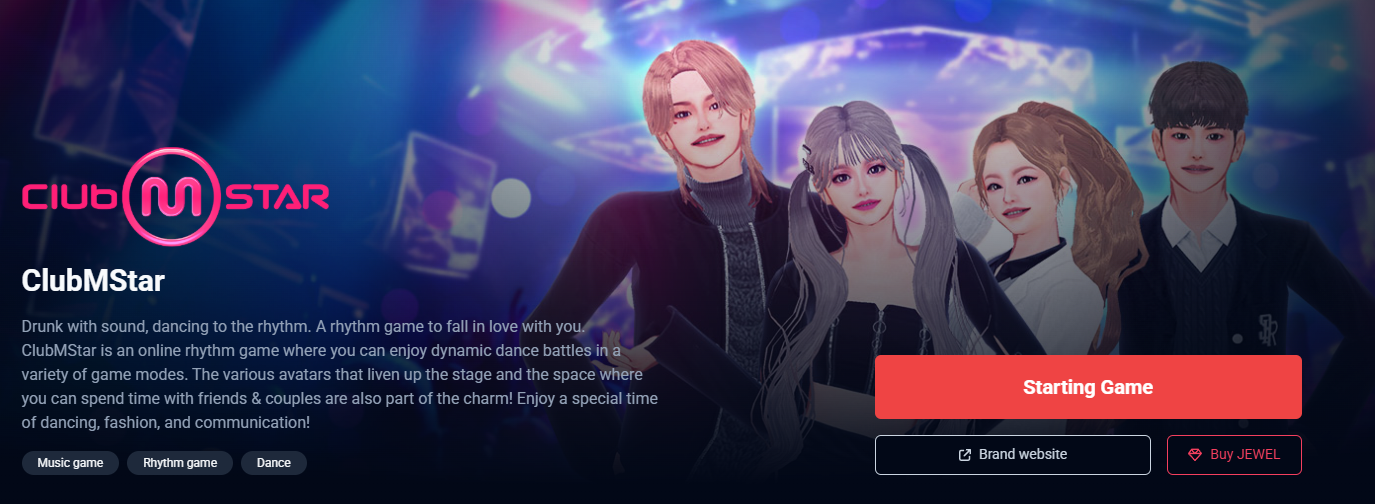
Click the "Starting Game" button on the official website or in the Pmang Lounge.
※If you are not logged in to Pmang, you will be automatically redirected to the login screen.
※Depending on your settings, you may be prompted to enter a One-Time Password (OTP) or complete image verification (CAPTCHA).
※If you are using OpenID, click the corresponding service icon on the login screen.
Once logged in, click the "Game Start" button to launch the game.
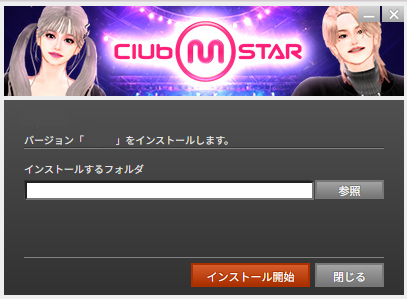
If the game has not been installed yet, clicking "Game Start" will bring up the installation screen.
Click the "Browse" button and select the folder where you want to install the game. Click "Start Installation" to begin.
The game files will be downloaded automatically, and the installation process will start once the download is complete.
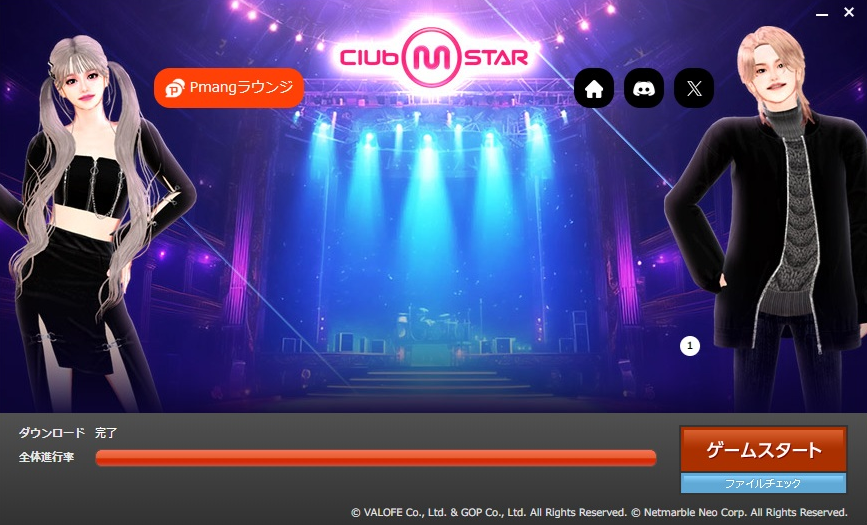
After the Game Launcher opens, it will automatically download the latest patches to keep your game up to date.
Once the update is finished, click "Game Start" to launch the game.
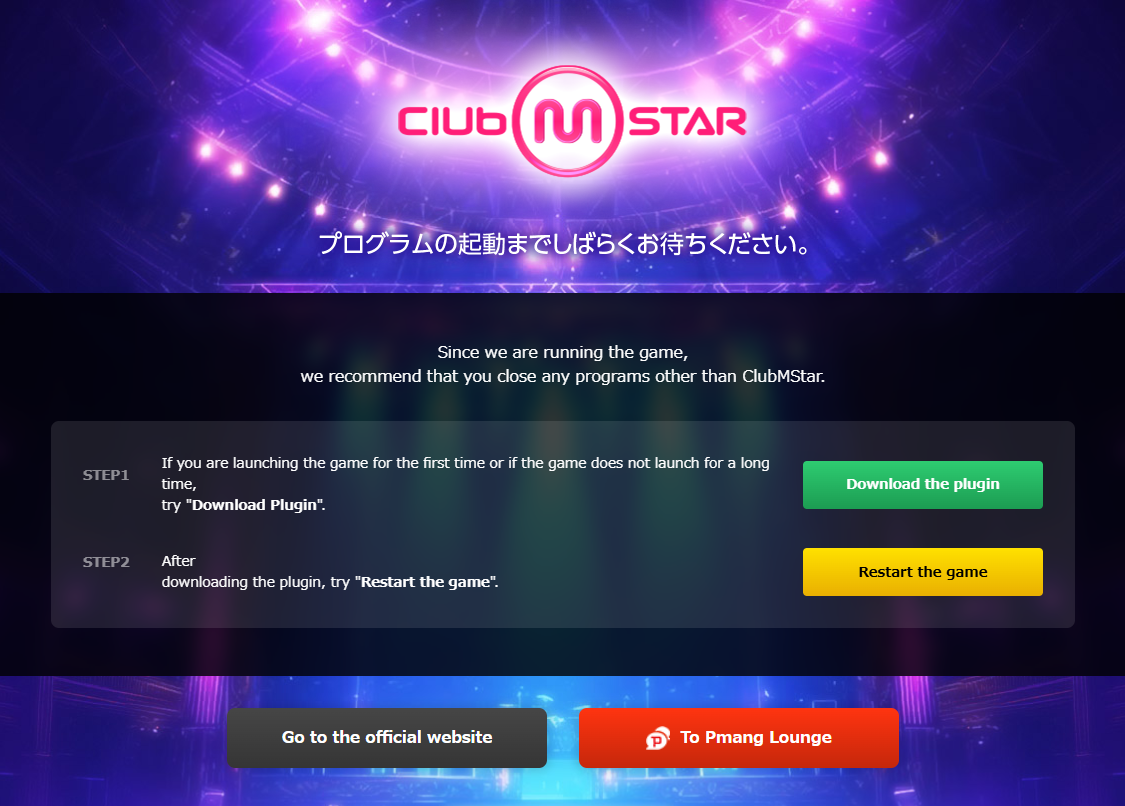
If this is your first time launching the game, or if the game client does not start after a long time,
please try downloading the required plug-in.
※You can find the
"Download the plugin" button on the page that appears after clicking "Game Start” on the official website or Pmang Lounge.