Start Game (VFUN Launcher)
■ Create an Account
Before playing ClubMStar, you must register a membership on the official VFUN website and download the launcher.
If you do not yet have a VFUN ID or the launcher, please click the button below.
※Membership registration is free.
Click here to visit the VFUN page
After completing registration, please download the VFUN Launcher.
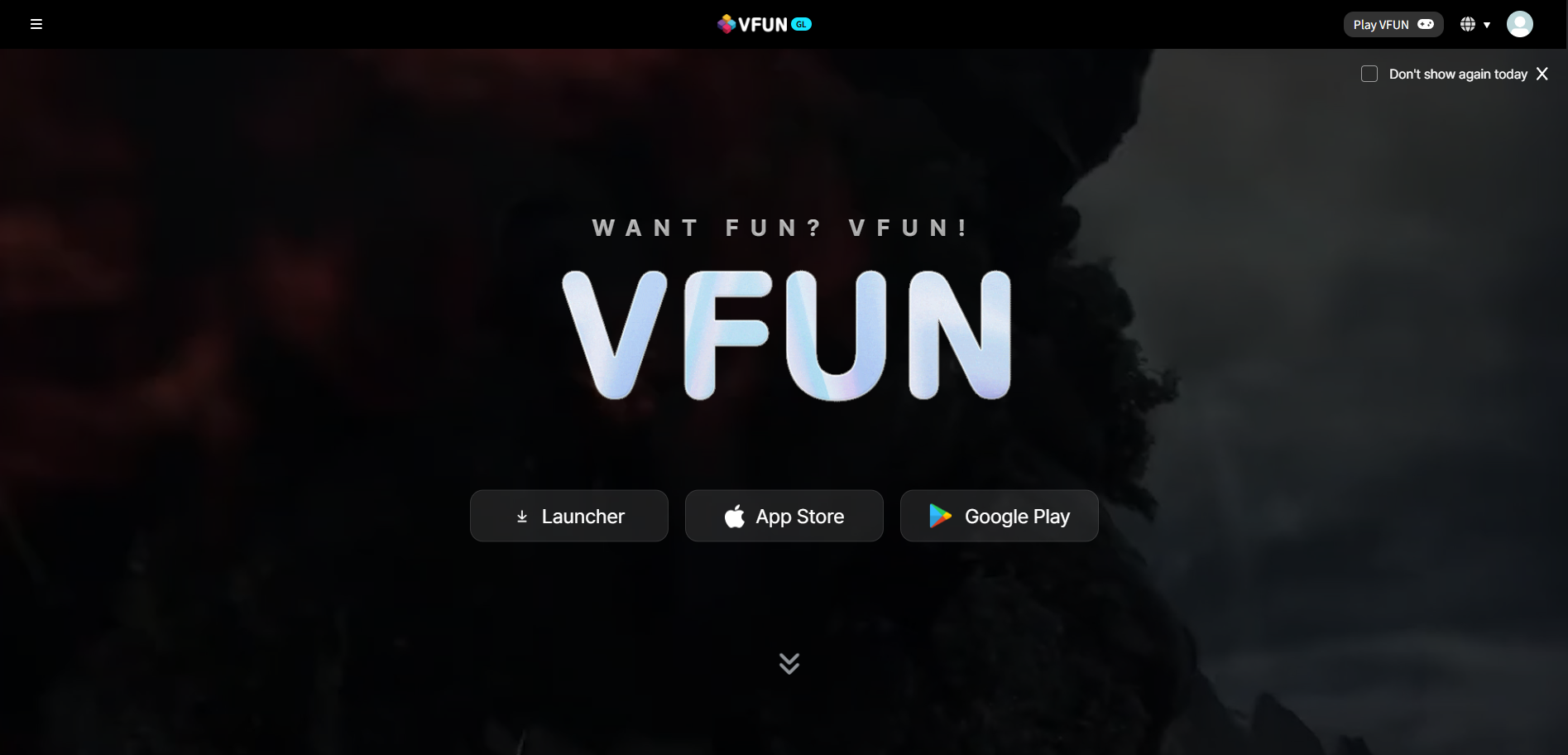
■ Download and Install the Game
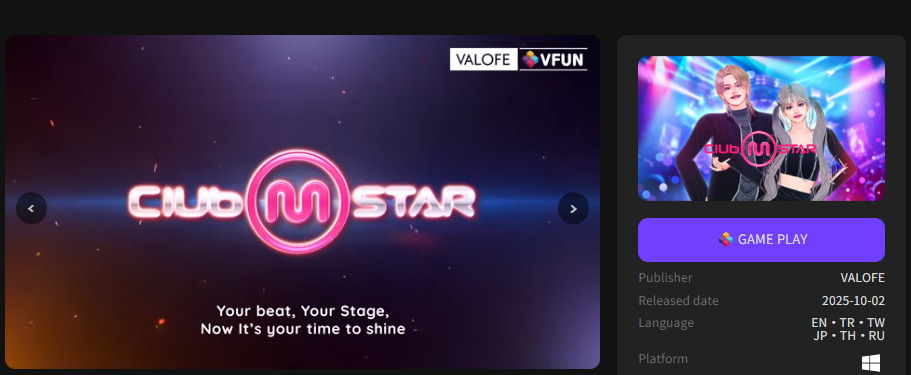
Please click "Game Play" in the launcher.
※If you are not logged into your VFUN account, you will be automatically redirected to the login screen.
After logging in, click "Game Start" to launch the game.
If the game has not been installed yet, clicking “Game Play” will open the installation window.
Click the “Browse” button to select the installation folder, then click “Start Installation”.
The system will automatically download the game client. Installation will begin once the download is complete.
※It is recommended to install the VFUN Launcher and the game client in separate folders.
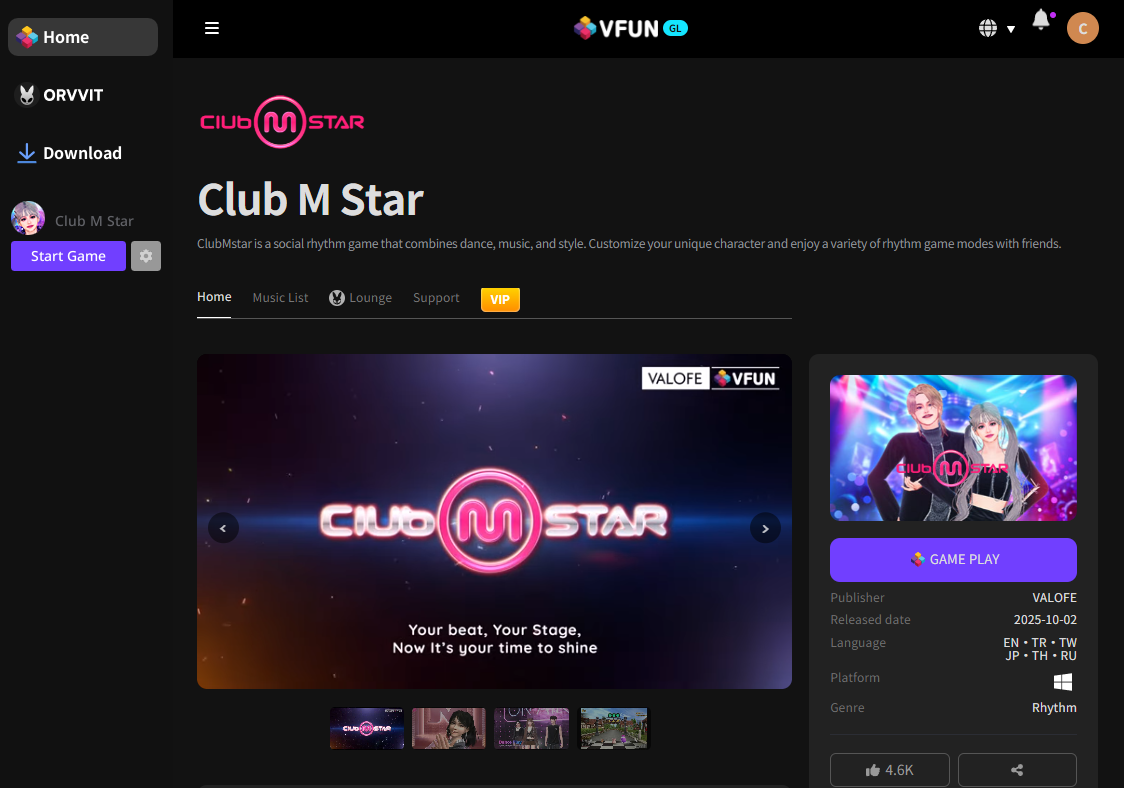
Once installation is complete, click “Start Game”.
If you are unable to launch the game, please refer to:
Beginner’s Guide – Unable to Log into the Game