CBT: ICARUS Vanguard – Game Launch Guide
 GM_Winter
CBT: ICARUS Vanguard – Game Launch Guide |
|---|
Ahead of the ICARUS Vanguard CBT, scheduled to begin on September 29, 2026 (Tue),
we would like to provide instructions on how to install and launch the game.
Please note that the game client will be available for download once the CBT begins.
How to Launch the Game via VFUN |
|---|
■ Go to the VFUN Library
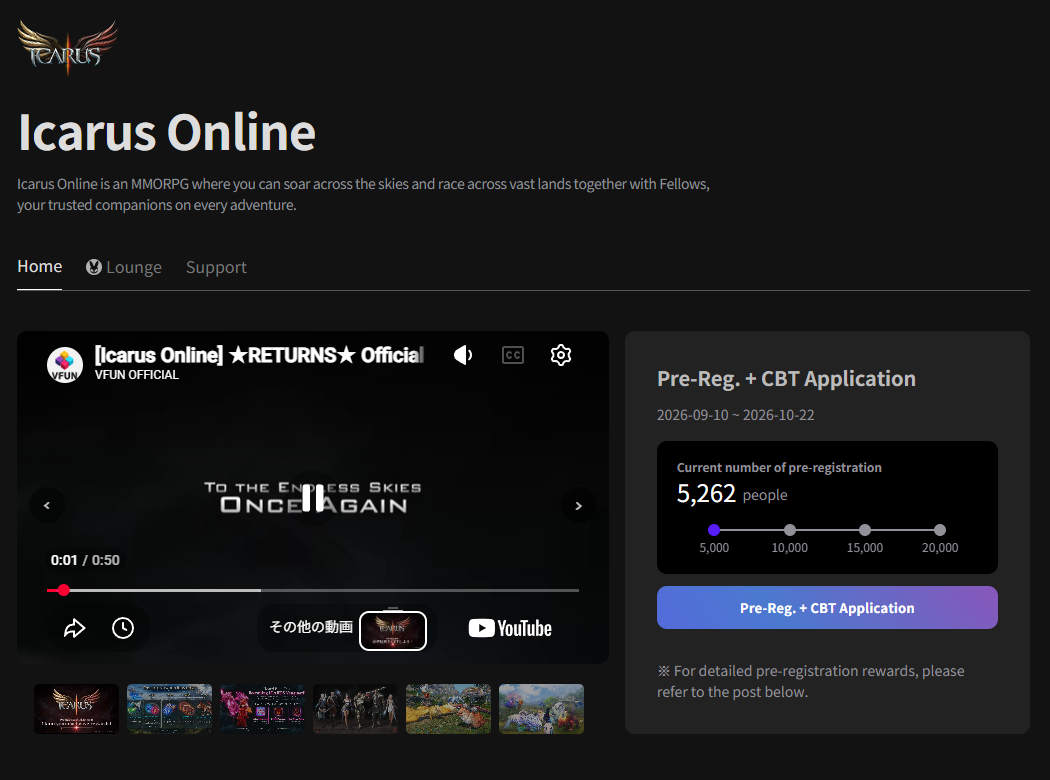
Open your web browser on your PC and go to the VFUN Library page.
https://vfun.valofe.com/library?service_code=icarus-global§ion=home
Click the button in the VFUN Library to launch the VFUN Launcher.
※Pre-registration is required to participate in the CBT.
※A VFUN account is required to pre-register.
■ Launch the VFUN Launcher
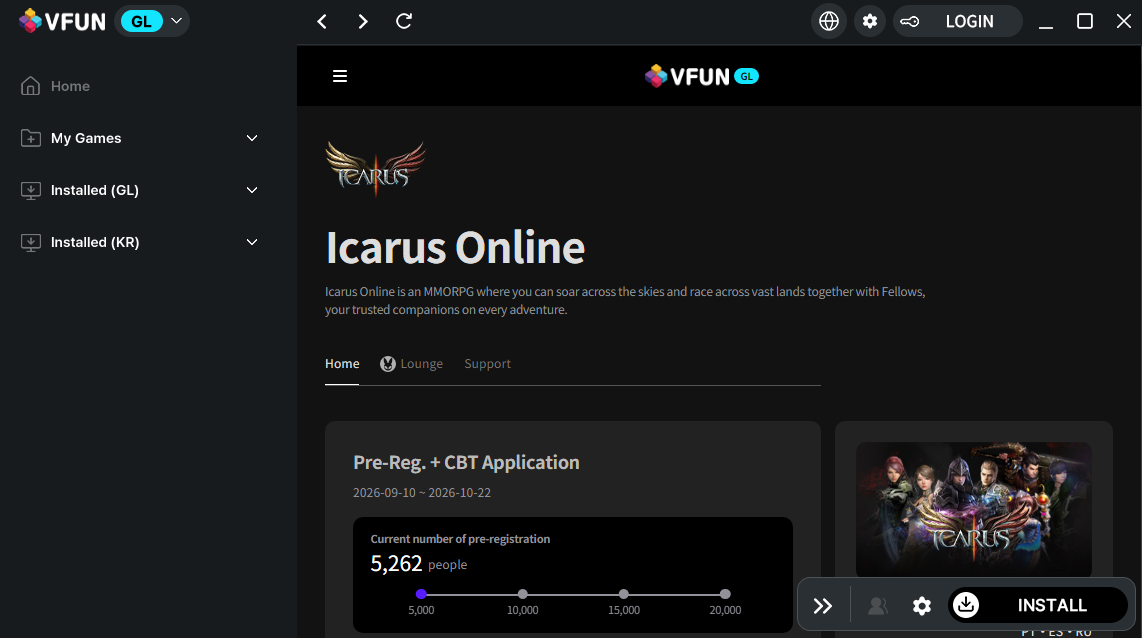

Click the Install button in the VFUN Launcher.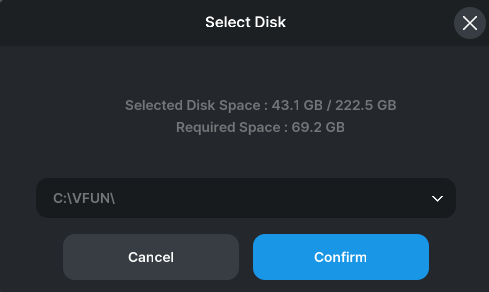
Select the location where you would like to download the game.
※Please use a path containing only half-width alphanumeric characters for the download location.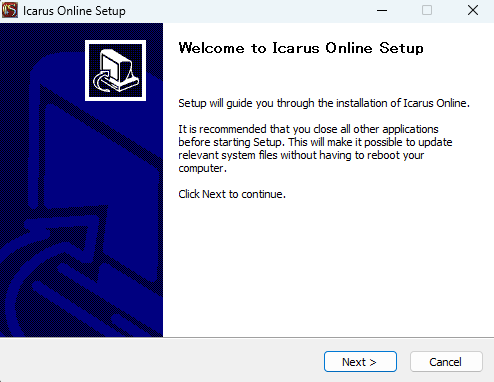
Once the download is complete, the installer will launch.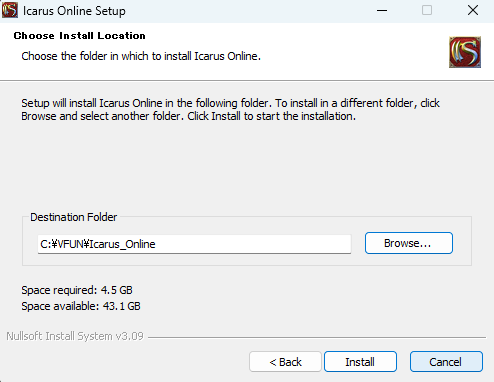
Select the location where you would like to install the game client.
Click the "Install" button to begin the installation.
※Please use a path containing only half-width alphanumeric characters for the installation location.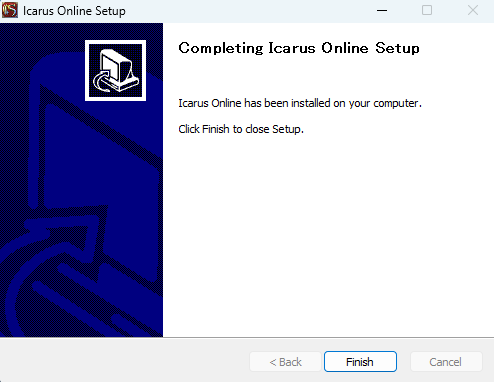
When this screen appears, click the "Finish" button.
Once the installation is complete, click the "GAMESTART" button in the VFUN Launcher.Clicking the "GAMESTART" button will launch the game launcher.
Launching the Game Launcher |
|---|
■ Launch the Game Launcher
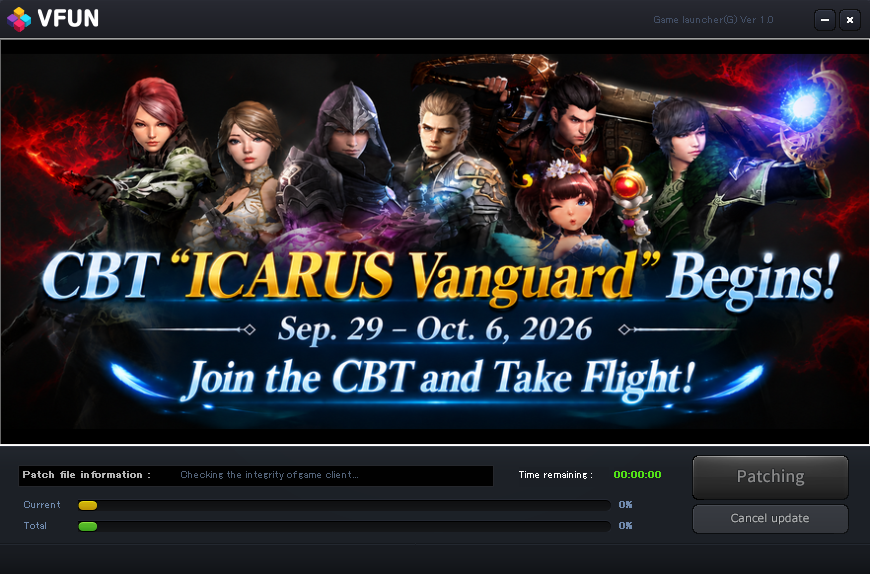
When launching the game for the first time, the patching process will begin. Please wait until it is complete.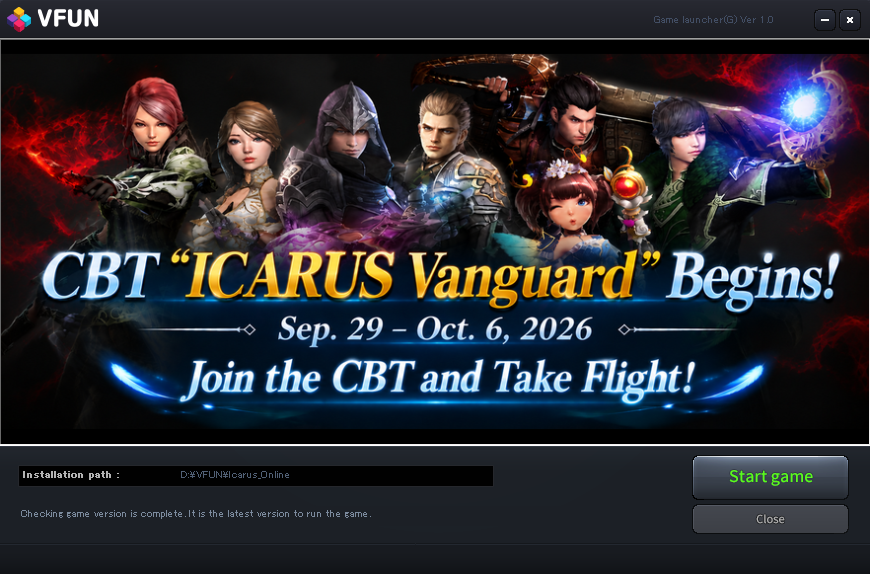 Once patching is complete, click the "Start game" button to launch the game.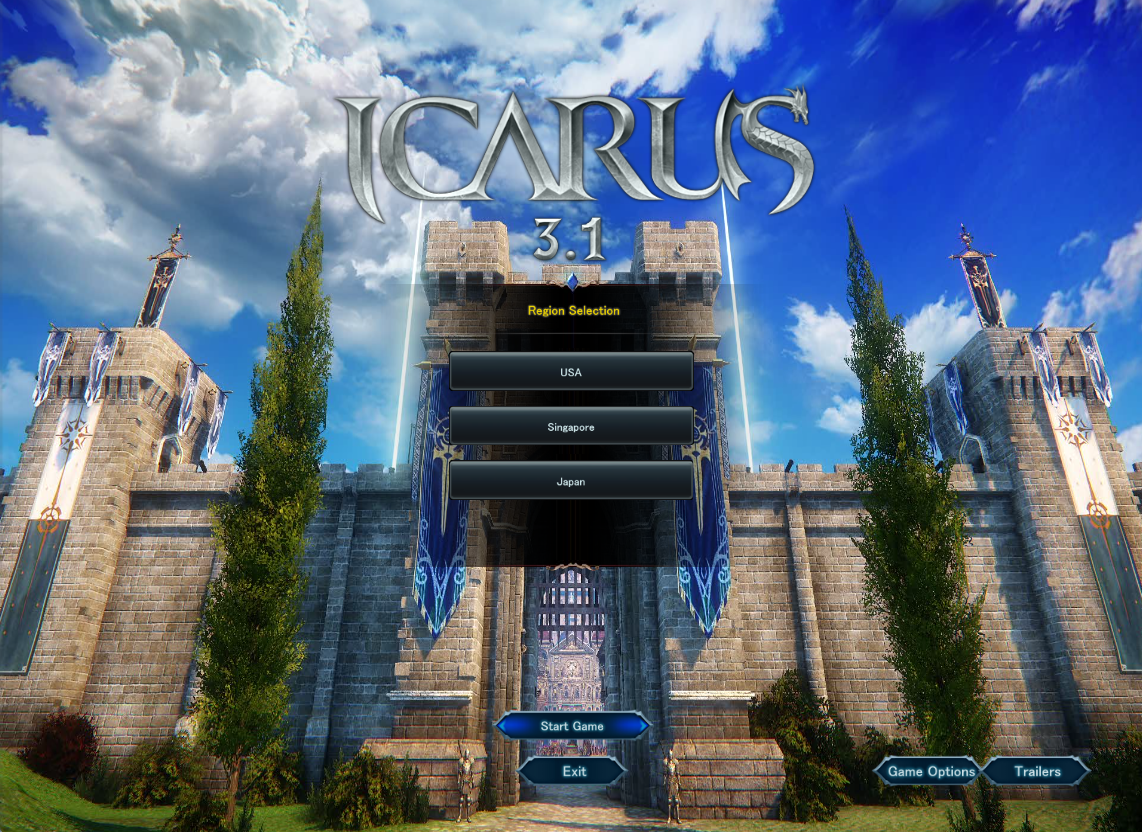
Once the game has launched and the title screen appears, the launch process is complete.
※After selecting your region on the title screen, click "Game Start" to log in.
The servers available to you will vary depending on the region you select.
※The default language when launching the game for the first time is English.
※
You can change the language under "Game Options > Game Settings."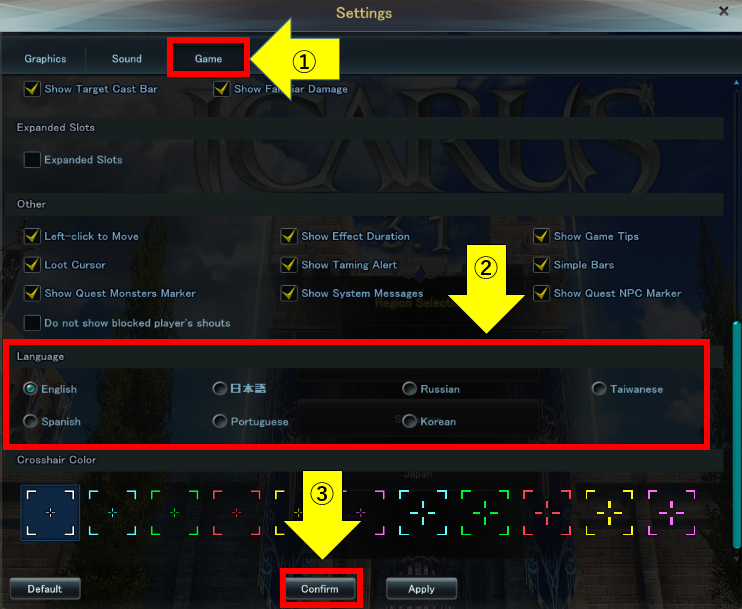
After changing the language, restart the game to apply the new language setting.
ORVVITの投稿を見る