What is Home?
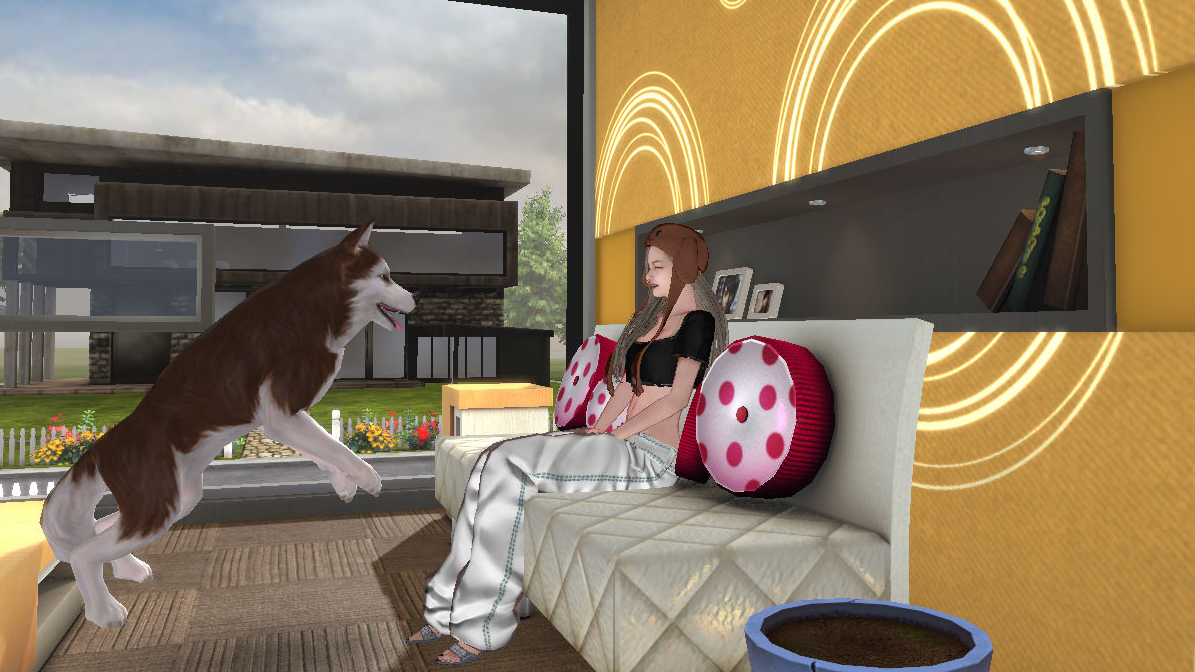
Home is a personal space where you can decorate freely according to your own taste.
It’s a great place to take a break from dance battles, relax, or invite friends over for a cozy hangout.
Collect furniture, wallpapers, and cute decorations to create your own warm and comfortable little home!
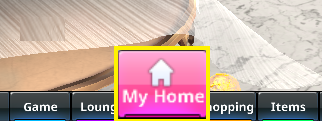
└ You can enter your Home from the menu at the bottom of the screen.
■ Decorating Your Home
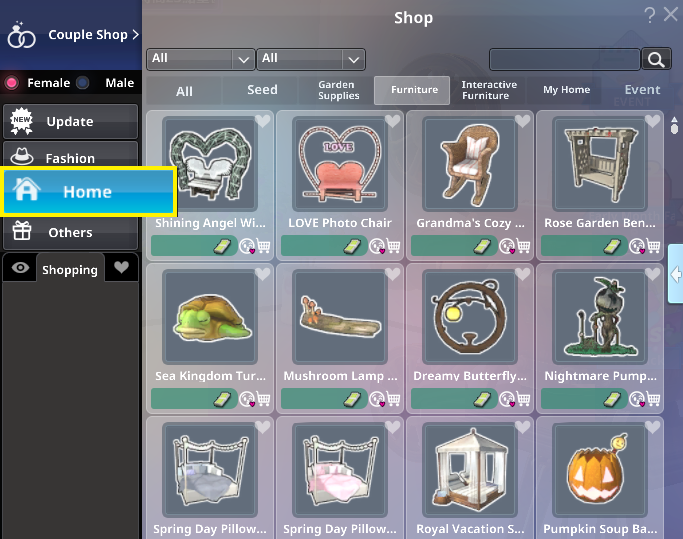
To decorate your Home, you first need decoration items.。
These items can be purchased in the Mall or obtained from Lucky Boxes and event rewards.
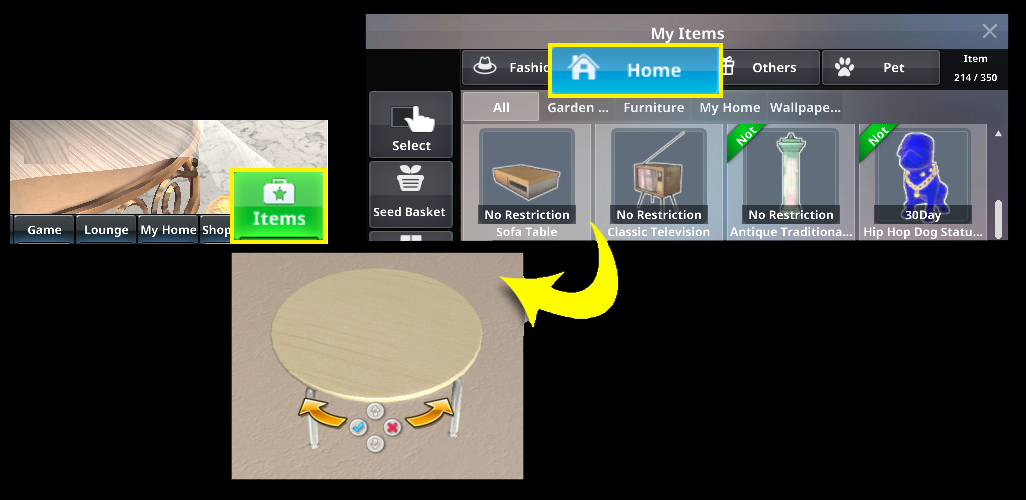
Once you’ve obtained furniture or other decor items, go to your Home.
Then open the "Items" menu, select the "Home" category, and click on the item you want to place.
The screen will automatically switch to Placement Mode.
 |
|
 |
|
 |
※Any changes to position or rotation will not be saved if you cancel. |
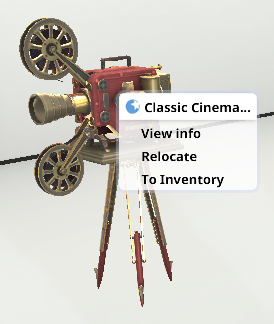
To move or store an already placed item: Right-click the item and choose the desired option from the pop-up menu.
You can also purchase the item again or send it as a gift to another dancer. |
|